Billing
Manage your credits, payment methods, and auto top-up
The Billing page is your central hub for managing credits, payment methods, and automatic top-ups.
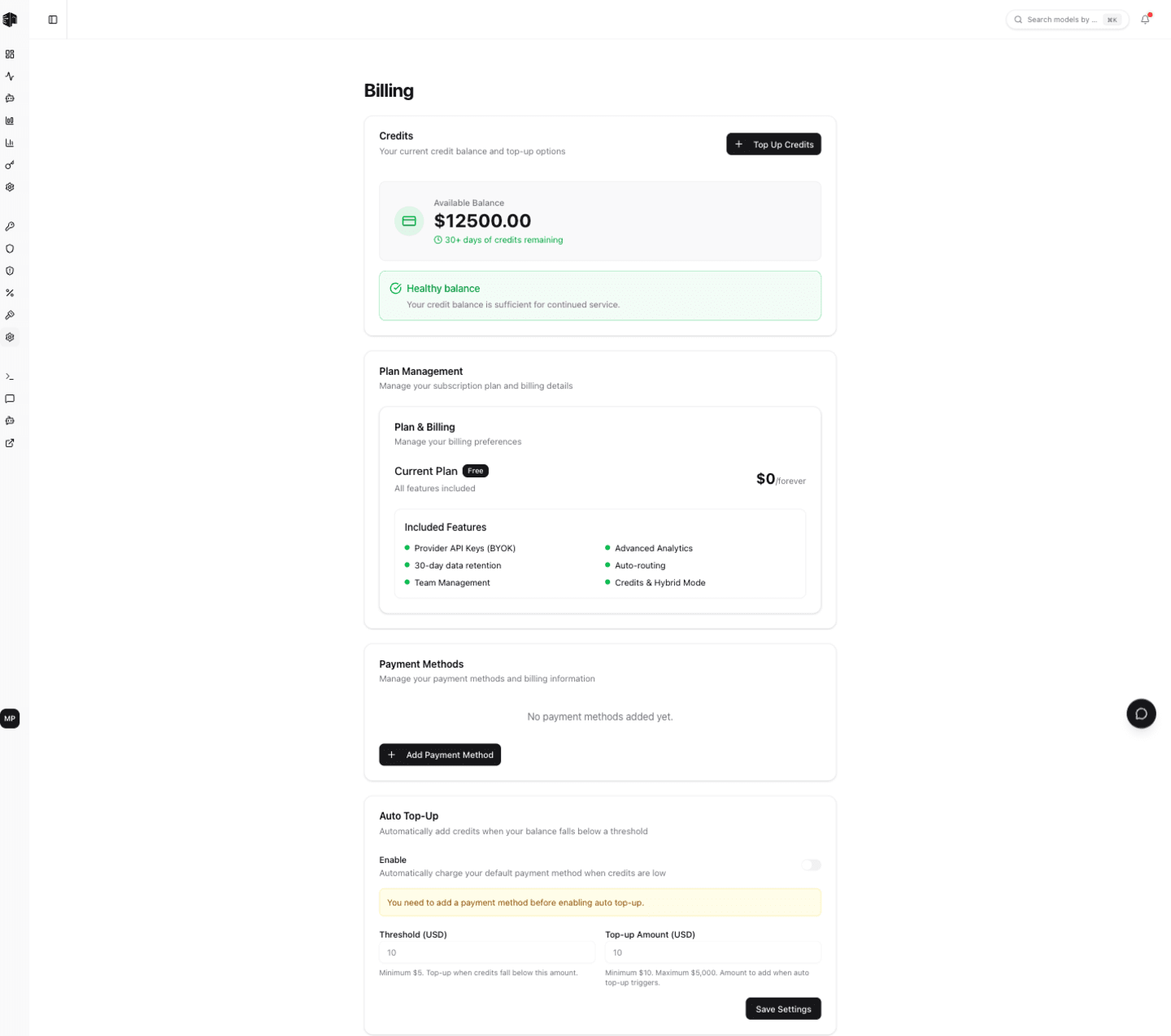
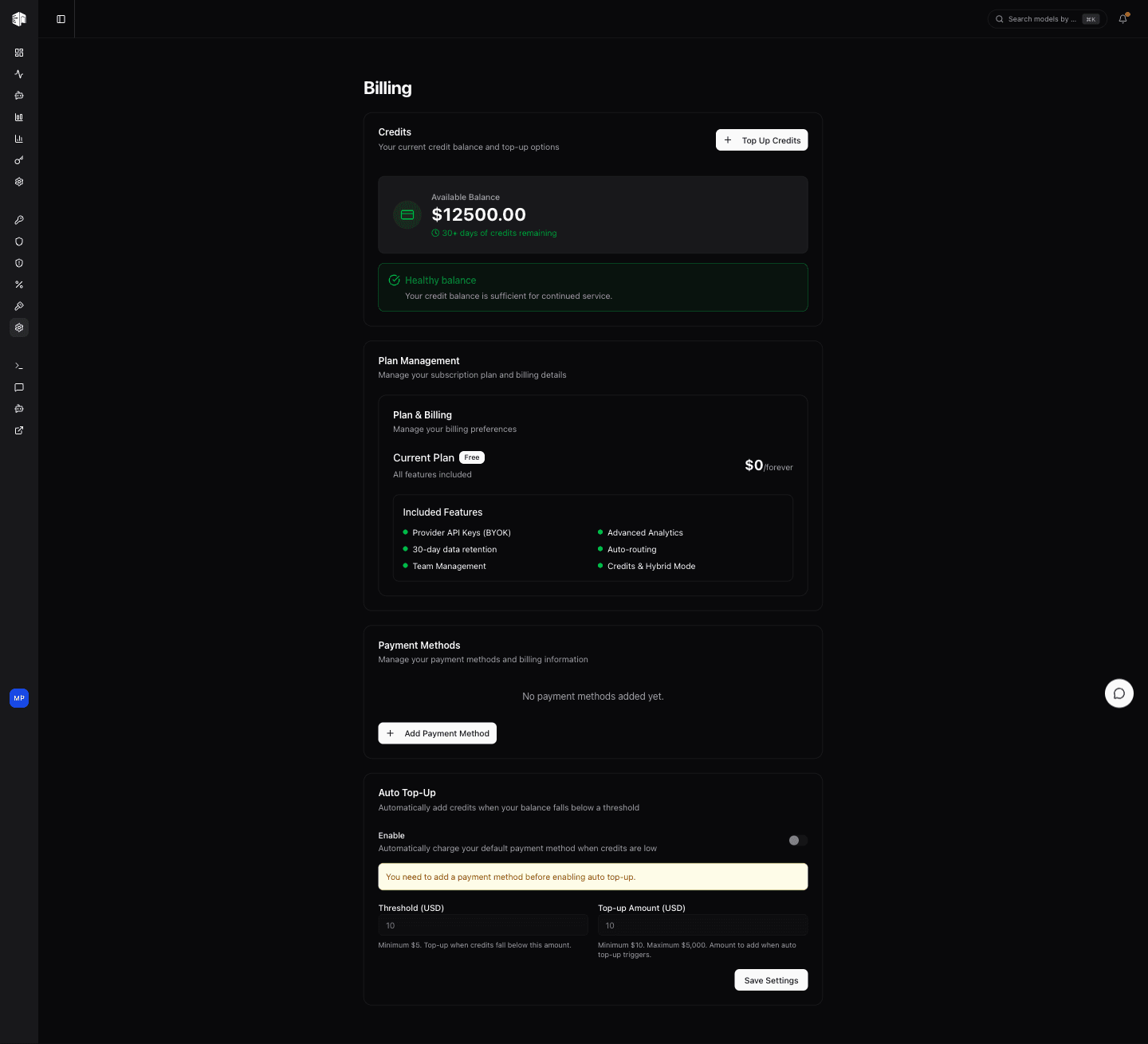
Credits
Displays your current credit balance. Credits are consumed as you make API requests through the gateway and never expire. Click Top Up Credits to add more credits to your account.
Payments are processed by Dodo Payments, our merchant of record — checkout happens on their secure hosted page.
Fees
Top-ups are charged the credit amount plus a flat 5% platform fee. Any applicable tax is calculated and added at checkout by Dodo Payments. The minimum top-up is $20 and the maximum is $5,000.
The breakdown (credits, platform fee, and total before tax) is shown in the top-up dialog before you continue to checkout, so the charge is always transparent.
Payment Methods
Click Manage payment methods & invoices to open the secure Dodo billing portal, where you can update your payment methods and download payment receipts and invoices.
Auto Top-up Settings
Configure automatic credit top-ups so you never run out:
- Enable auto top-up saves a payment method via a secure Dodo checkout and stores it as an auto top-up mandate
- Threshold — The credit balance that triggers a top-up
- Amount — How many credits to add when the threshold is reached
- Disable cancels the mandate and stops automatic purchases
This ensures uninterrupted service by automatically replenishing your credits when they run low.
How is this guide?
Last updated on