Quick start
Create an account, get an API key, and send your first request.
Create an account
Sign up at app.vichar.io/signup and verify your email. A default organization and project are created for you.
Create an API key
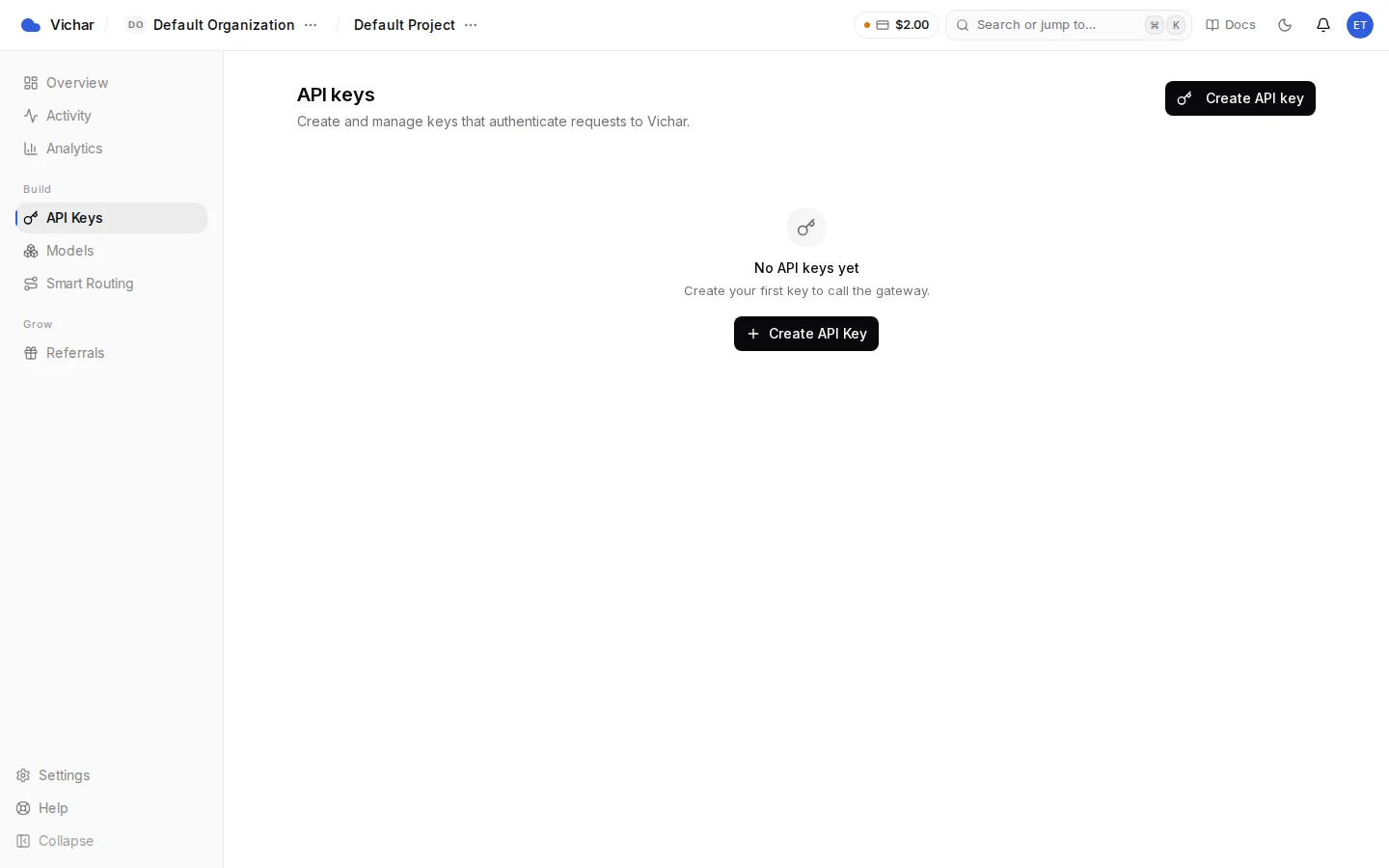
In the dashboard open API Keys, click Create key, give it a name, and copy the token. It starts with vc_ and is shown only once.
Send a request
export VICHAR_API_KEY="vc_..."

curl https://api.vichar.io/v1/chat/completions \
  -H "Authorization: Bearer $VICHAR_API_KEY" \
  -H "Content-Type: application/json" \
  -d '{
    "model": "vichar-sonnet-5.5",
    "messages": [{"role": "user", "content": "Hello"}]
  }'
from openai import OpenAI
client = OpenAI(
base_url="https://api.vichar.io/v1",
api_key="vc_...",
)
resp = client.chat.completions.create(
model="vichar-sonnet-5.5",
messages=[{"role": "user", "content": "Hello"}],
)
print(resp.choices[0].message.content)import OpenAI from "openai";
const client = new OpenAI({
baseURL: "https://api.vichar.io/v1",
apiKey: "vc_...",
});
const resp = await client.chat.completions.create({
model: "vichar-sonnet-5.5",
messages: [{ role: "user", content: "Hello" }],
});
console.log(resp.choices[0].message.content);Stream it
Set stream: true to receive server-sent events:
curl -N https://api.vichar.io/v1/chat/completions \
  -H "Authorization: Bearer $VICHAR_API_KEY" \
  -H "Content-Type: application/json" \
  -d '{"model":"vichar-sonnet-5.5","stream":true,"messages":[{"role":"user","content":"Hello"}]}'
The response is a standard chat completion. usage.cost reports the exact USD deducted from your credits.
How is this guide?