API keys
Create, name, limit, and expire workspace API keys.
Manage keys in the dashboard under API Keys
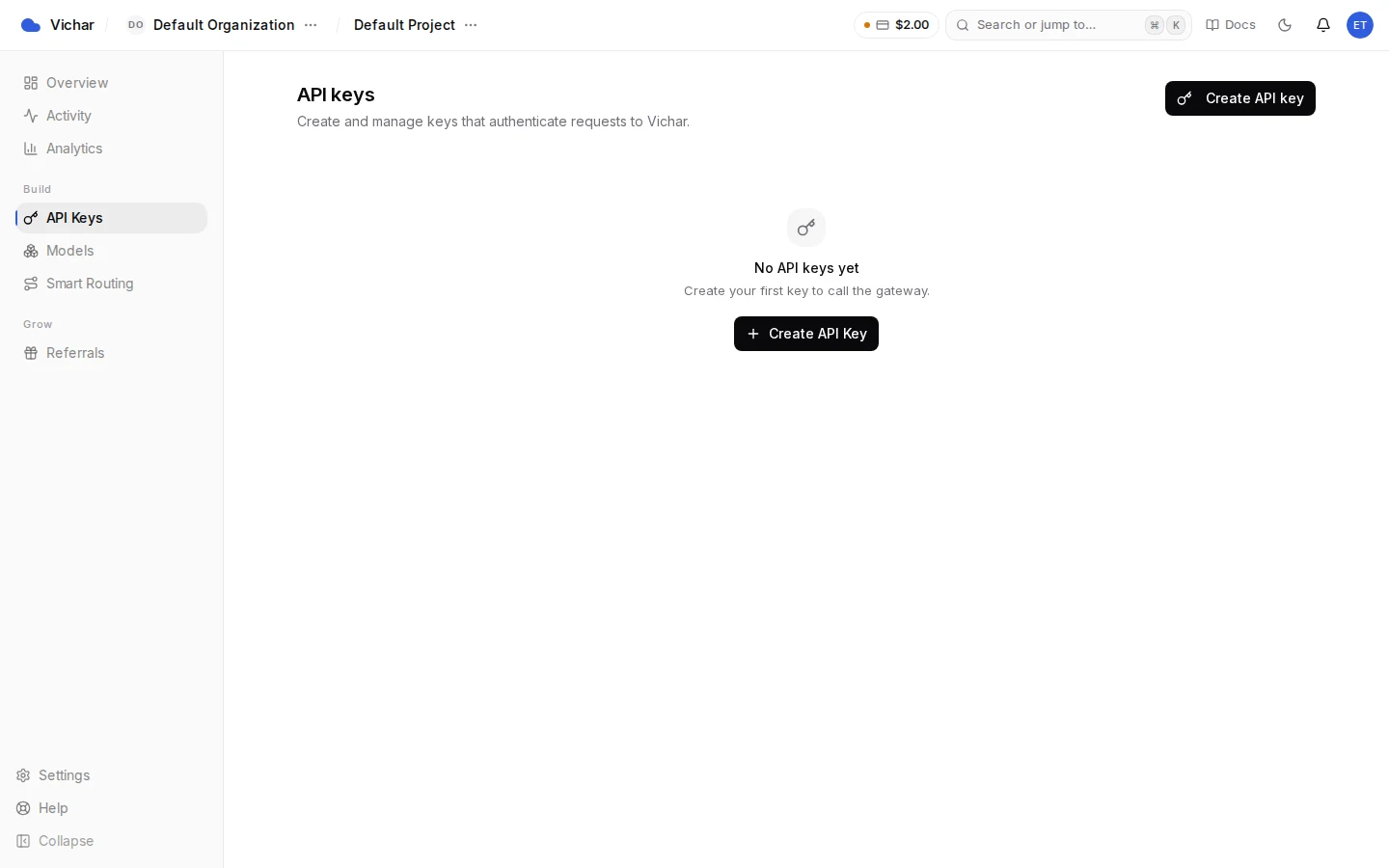
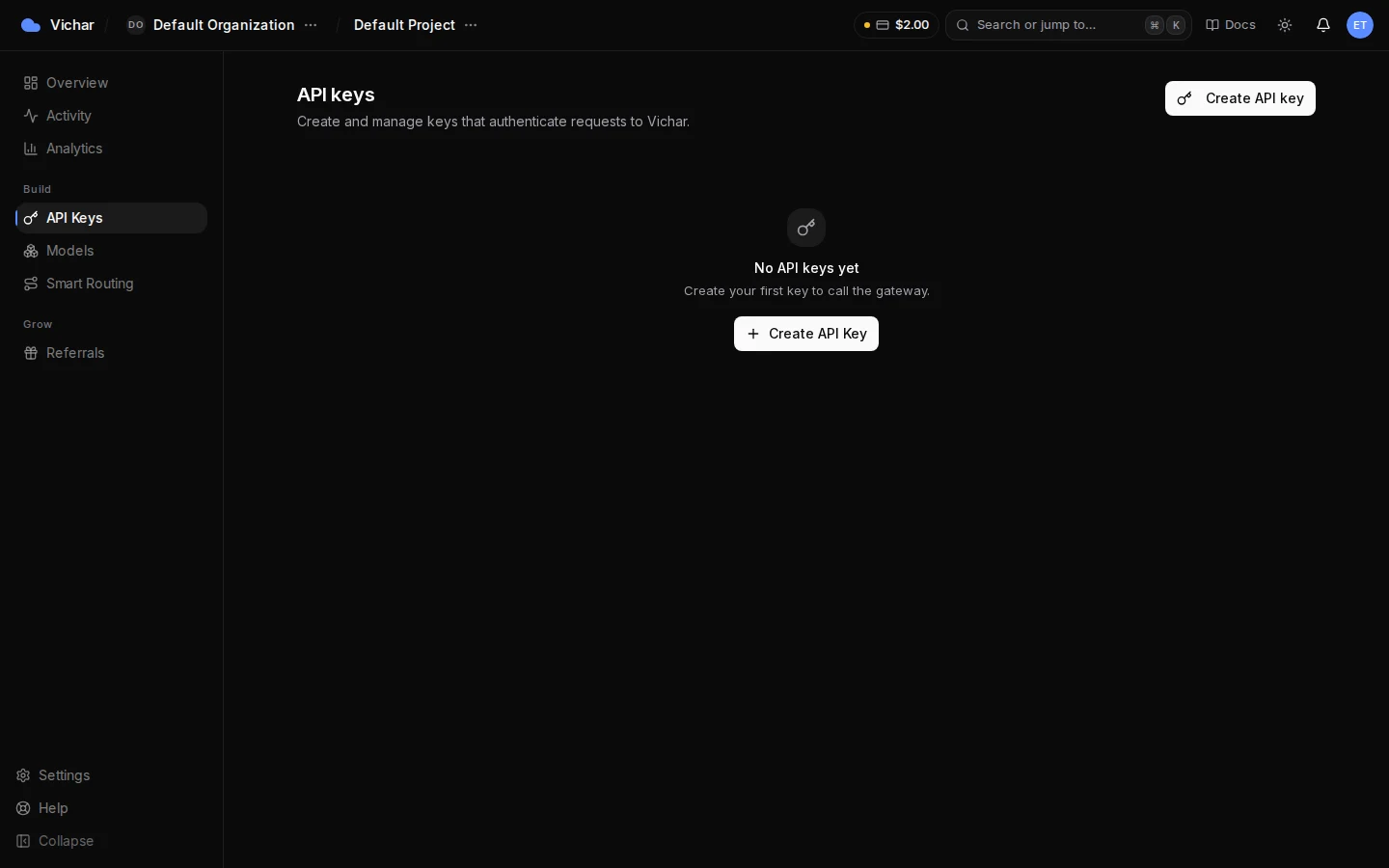
or via the API (POST /keys/api and friends in the dashboard API).
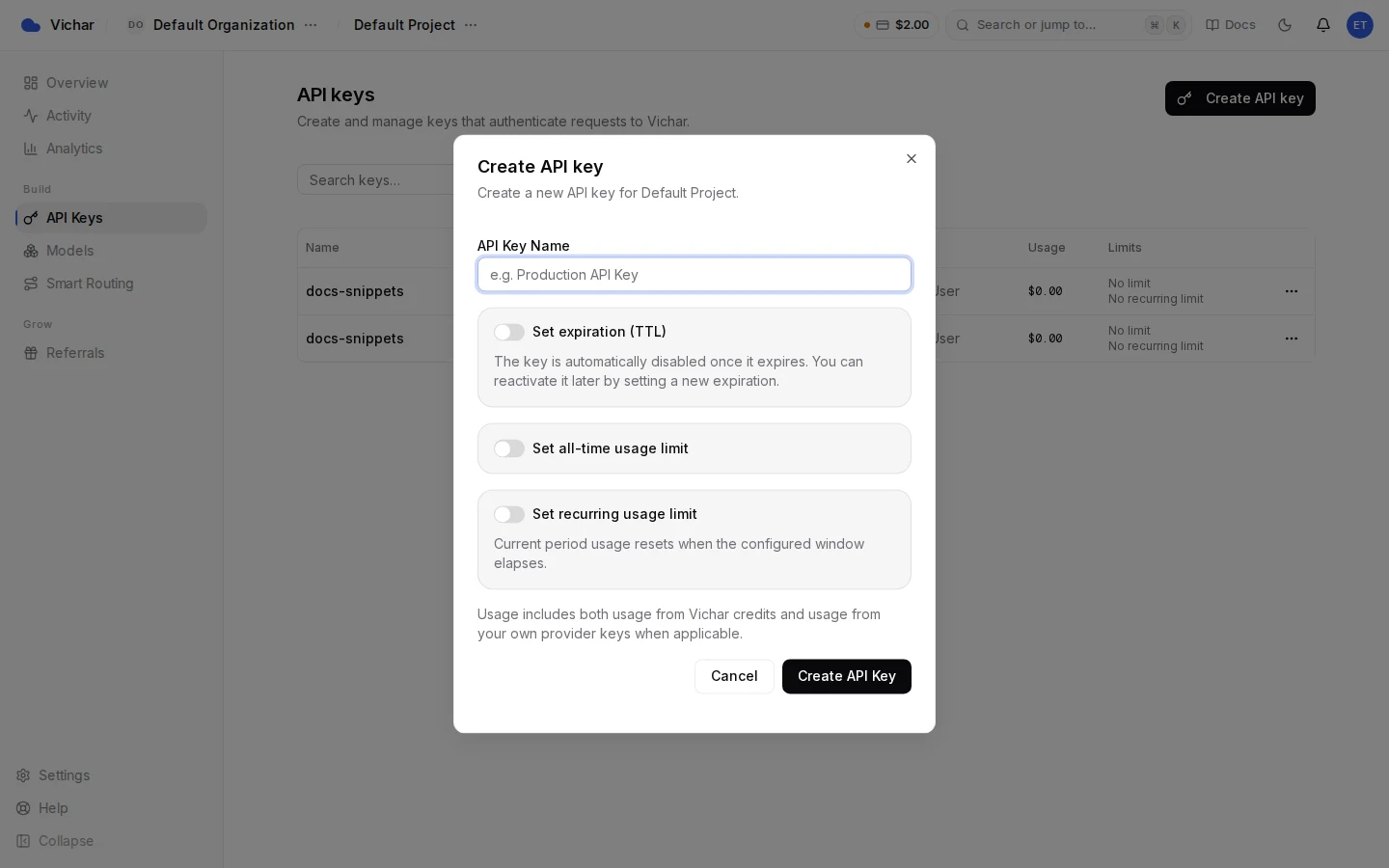
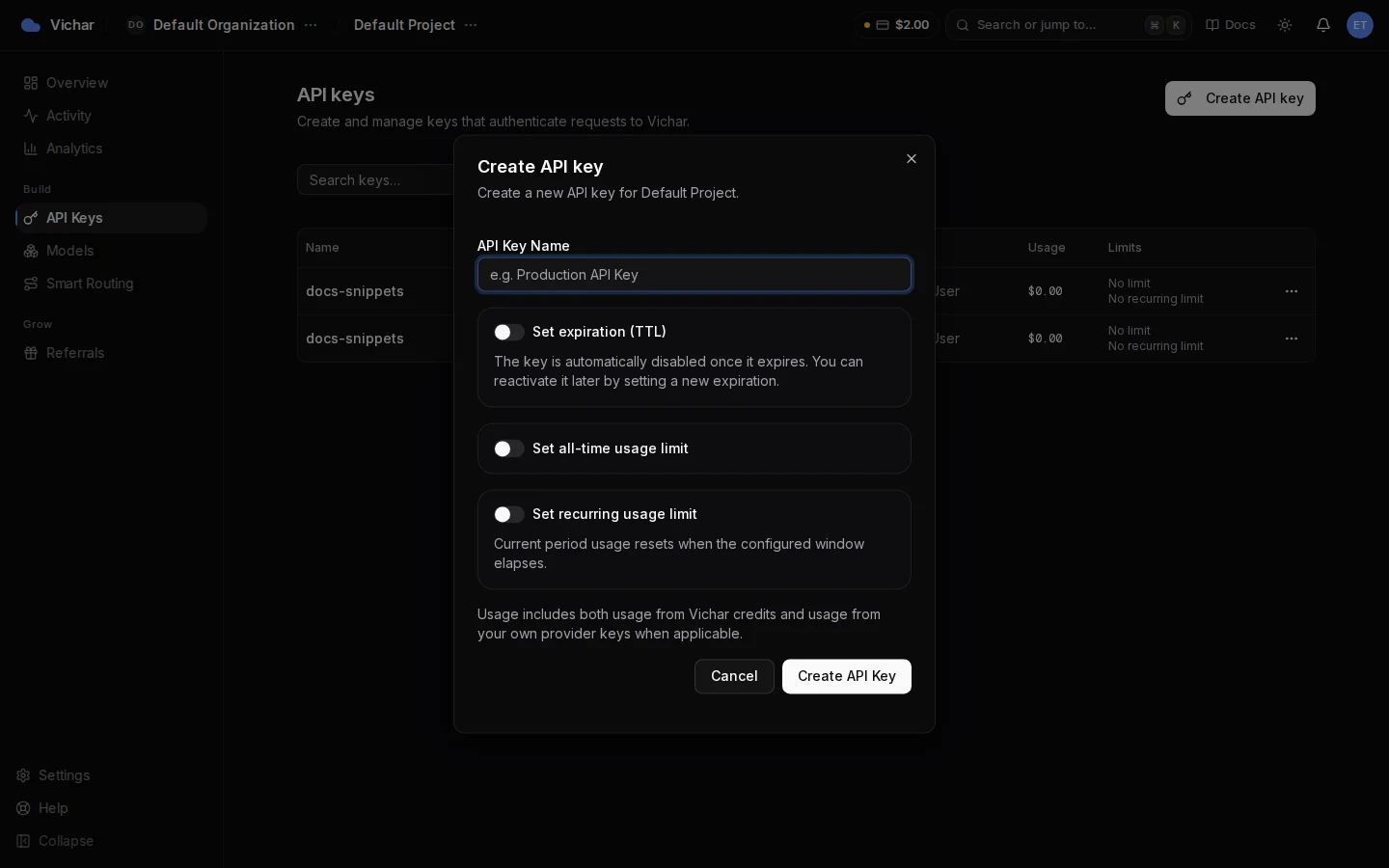
- Create: choose a name; the token is shown once. Keys start with
vichar_. - Expiry (TTL): optionally set an
expiresAttimestamp; the key stops working immediately at that time. Re-enabling an expired key requires setting a futureexpiresAt. - Spend limits: set a fixed usage limit (total USD) or a periodic limit (USD per day/week/month, resetting each period). A request that would exceed the limit is rejected with
402. - Rename / disable / delete: rename anytime; disabled or deleted keys are rejected with
401immediately. - Ownership: keys belong to a project and inherit the organization's credit balance. Admins can list all keys; members see their own.
Keep one key per application or environment so limits, rotation, and auditing stay independent. See Authentication for hygiene rules.
How is this guide?