Knowledge base
Transactions
View your complete payment and credit history
The Transactions page shows a complete history of all financial transactions in your organization.
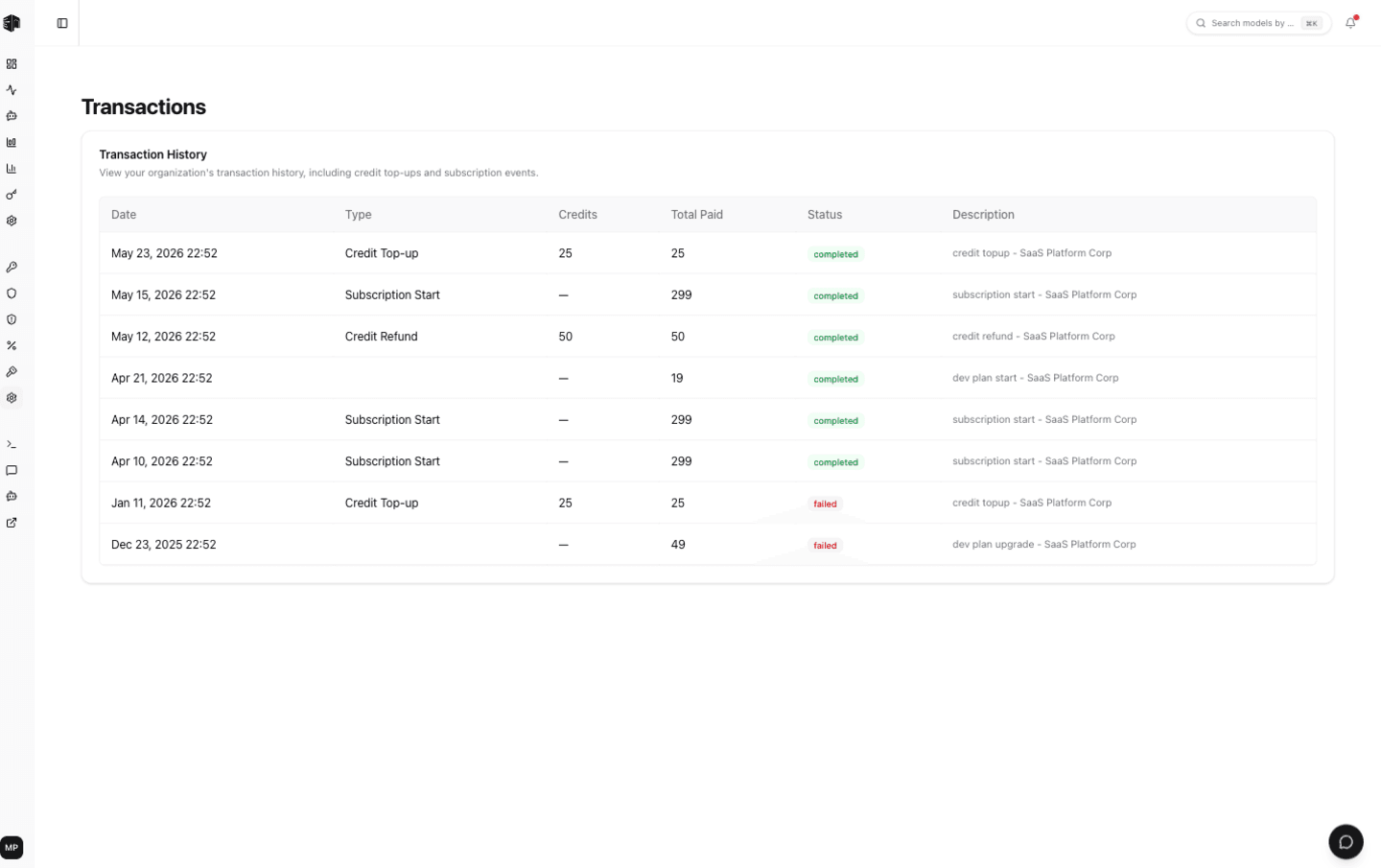
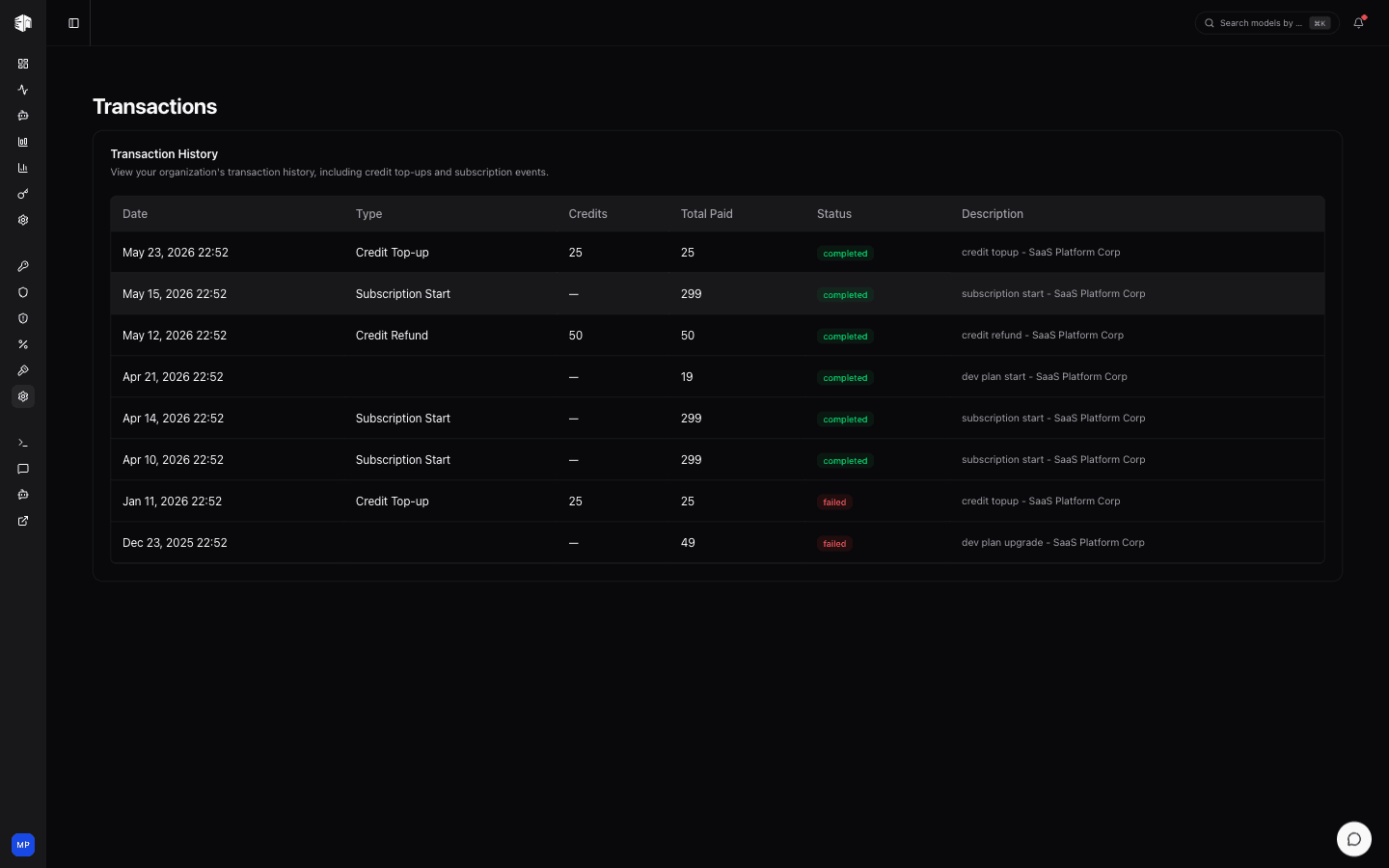
Transaction History
Each transaction entry includes:
| Field | Description |
|---|---|
| Date | When the transaction occurred |
| Type | The transaction type (see below) |
| Credits | Number of credits added or deducted |
| Total Paid | The dollar amount charged |
| Status | Current state of the transaction |
| Description | Additional details about the transaction |
Transaction Types
| Type | Description |
|---|---|
| Credit Top-up | Manual or automatic credit purchase |
| Credit Refund | Credits deducted for a refund |
| Credit Gift | Credits granted by support |
| Credit Usage | Credits consumed by API usage |
Status Badges
- Completed — Transaction processed successfully
- Pending — Transaction is being processed
- Failed — Transaction could not be completed
Refunds
Recent top-ups can be refunded from this page with Request refund. See Self-Service Refunds for the window and conditions.
How is this guide?
Last updated on