Models
Browse every model available on Vichar — pricing, capabilities, and lifecycle status
The Models page shows the full Vichar catalog in one directory, with one row per provider mapping.
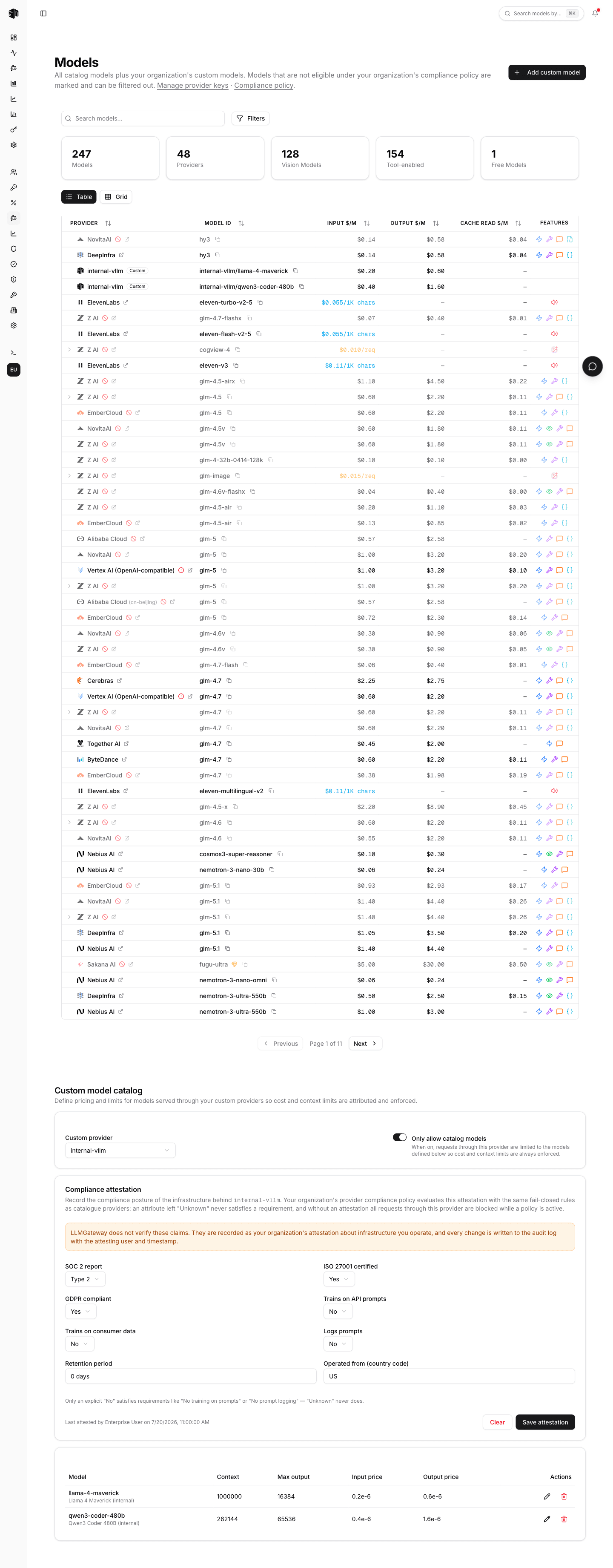
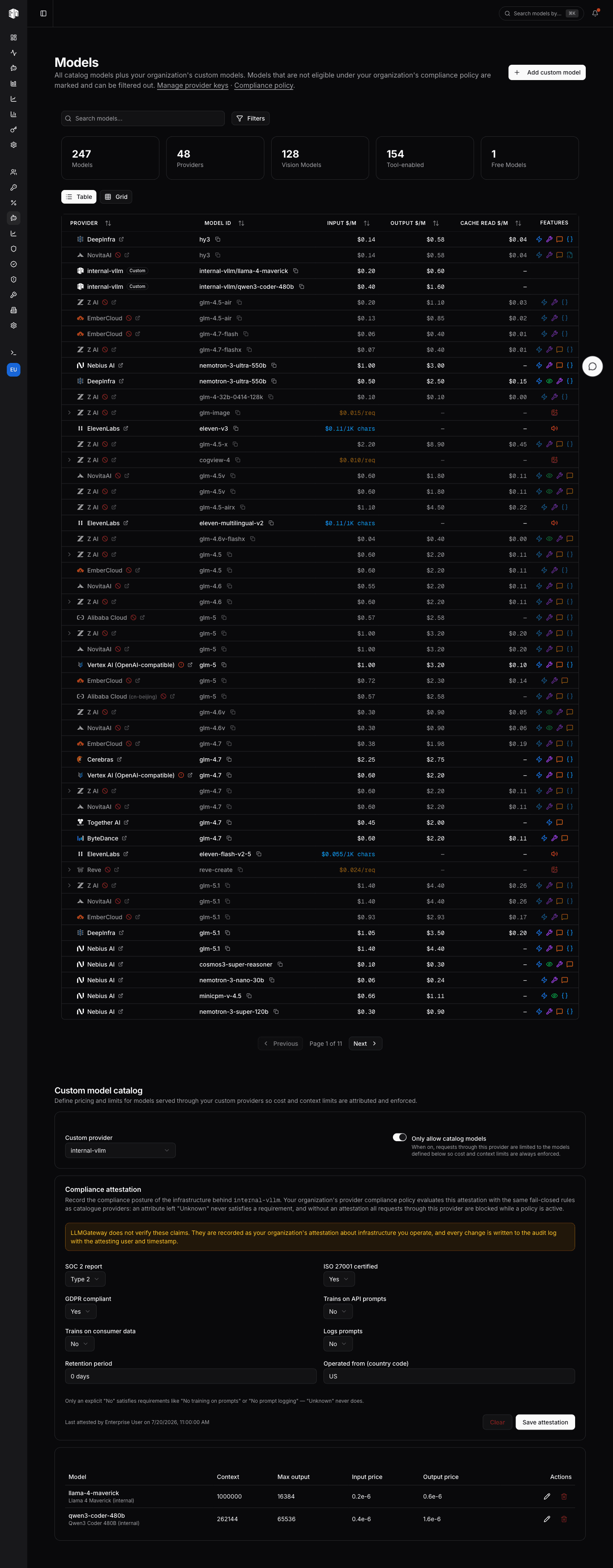
Every organization member can browse this page, including project-scoped developer members, so your whole team can see which providers and models are available without needing admin access.
The directory
The directory is the same table you know from the public models page, with one row per provider mapping:
| Column | Description |
|---|---|
| Provider | The provider serving the model |
| Model ID | The model id; the copy button copies the exact string to request |
| Input / Output $/M | Prices per million tokens (per-request/per-character where applicable) |
| Cache Read $/M | Cached input price where supported |
| Features | Capability icons: streaming, vision, tools, reasoning, JSON output, … |
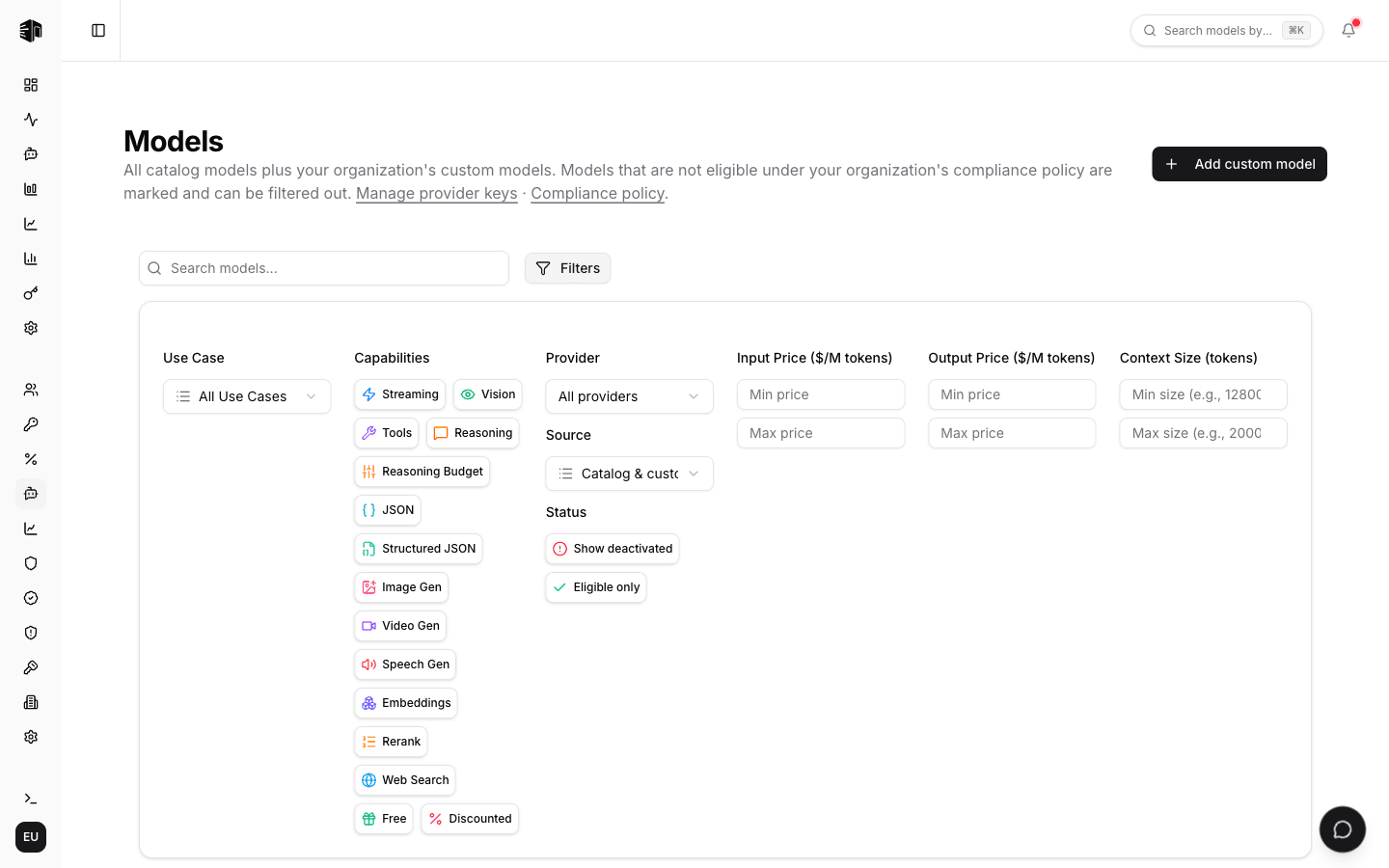
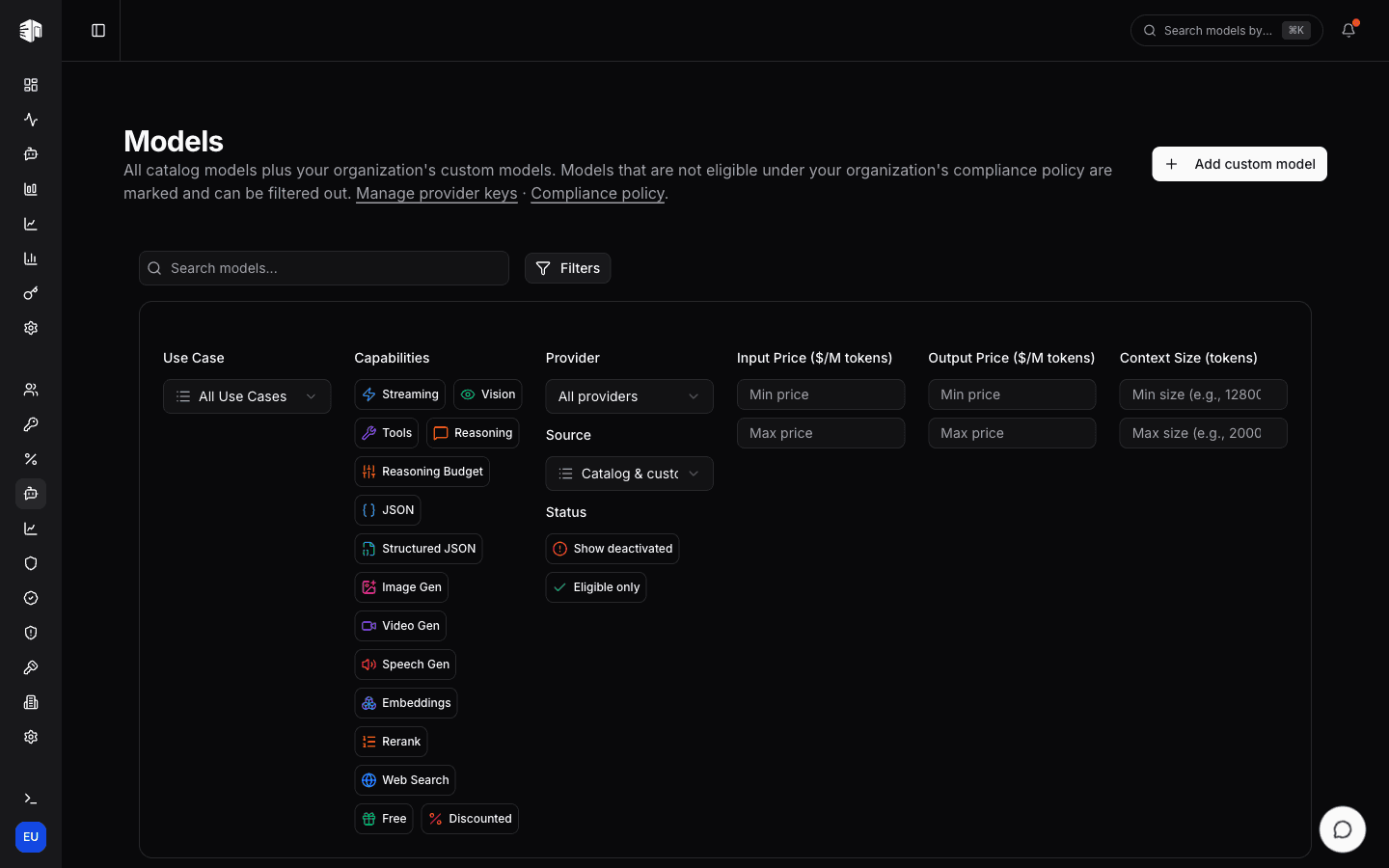
Search matches model names, ids, aliases, and providers. The Filters panel offers the same controls as the public directory — use case, capabilities, provider, price and context ranges.
Lifecycle status
Every provider mapping carries exactly one lifecycle status, shown as a badge on the mapping and selectable from the Status chips in the filter panel:
| Status | Meaning |
|---|---|
| Deprecated | Still routes; the provider has announced a sunset, so migrate soon |
| Scheduled | Still routes, but deactivation is set for a date inside the next 90 days |
| Deactivated | No longer routes; requests return errors |
Status resolves by urgency — deactivated beats scheduled beats deprecated — so a
mapping never carries two, and a deactivation further out than the 90-day notice
window stays plain active rather than warning early. The chips are single-select
and write to ?status=, so a filtered view can be shared.
With no chip selected, the directory lists everything routable and hides mappings already past their deprecation or deactivation date.
Time-based pricing
A few provider mappings bill different rates depending on when the request arrives. Those cards carry a Time-based pricing toggle: switch between Peak and Off-peak to see each set of input, cached-input, and output prices, with the schedule that decides which one applies spelled out underneath — the peak hours, their time zone, and any days that are off-peak all day.
Billing follows the same schedule automatically at request time; there is nothing to set on your side. To pay off-peak rates, move batch or backfill work into the off-peak window.
Provider performance
Open a model's uptime page from the public models directory to compare provider requests, errors, latency, and token volume over the last four hours. Chart axes abbreviate large values as thousands (k), millions (M), billions (B), or trillions (T); hover a point for the full value with commas separating groups of three digits.
How is this guide?
Last updated on